
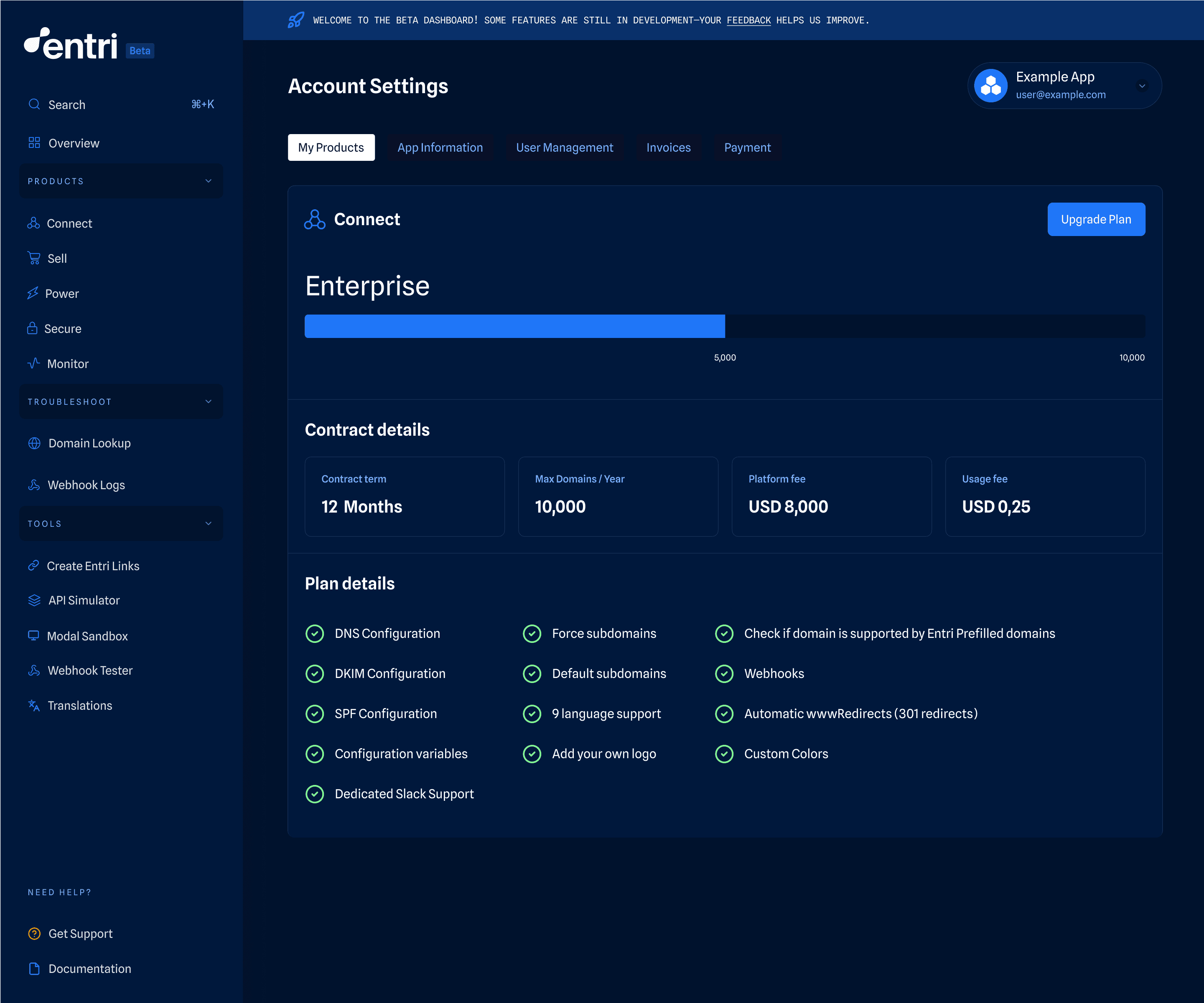
The engineering team has added more functionality to the account management settings in the Entri dashboard. You’ll see new information about your Entri products and plan, billing details, and have the ability to add new users at-will.
These sections are self-explanatory, but if you’re not used to having them there, it may not be clear right away where to find everything. Here’s a quick walkthrough:
Where to find your Entri account information:
Navigate to "Account Settings": Click your company’s name in the upper-right corner of the dashboard.
Explore the sections:
My Products: View contract details, domain progress, and included features.
App Settings: Manage your application logo, name, webhooks URL, and other configurations.
Invoices: Access and export billing statements.
Billing: Visit the billing portal to manage payments and update payment methods.